Follow every branch
Move through generations, open more relatives, or bring everyone into view.
 Request early access
People. Places. Memories.
The photographs in a box. The stories only one cousin remembers. Bring them together in a private family archive, with hosting and personal support from Edgewise Lab.
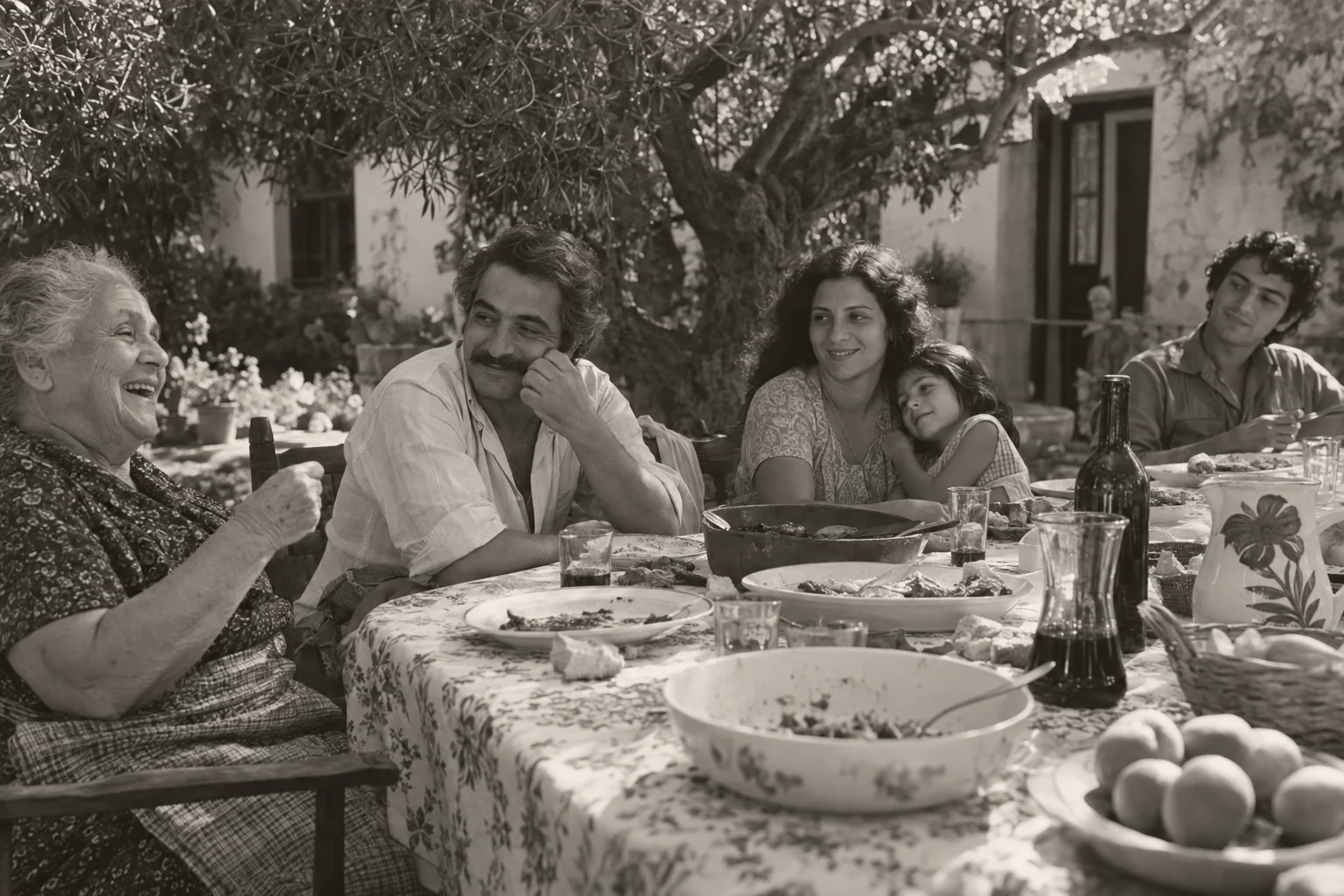
01 / See how everyone connects
Start with someone you know. Follow parents, partners and children across the tree, then open a name to find the photographs and memories behind it.

Move through generations, open more relatives, or bring everyone into view.
Open a name to see photographs, life places and a short story beside the tree.
Explore the connections, then return to your home view whenever you need.
02 / Behind every name
A name on a tree is only the beginning. Bring a person’s photographs, memories, places and relationships together, so the next generation can know a little more.
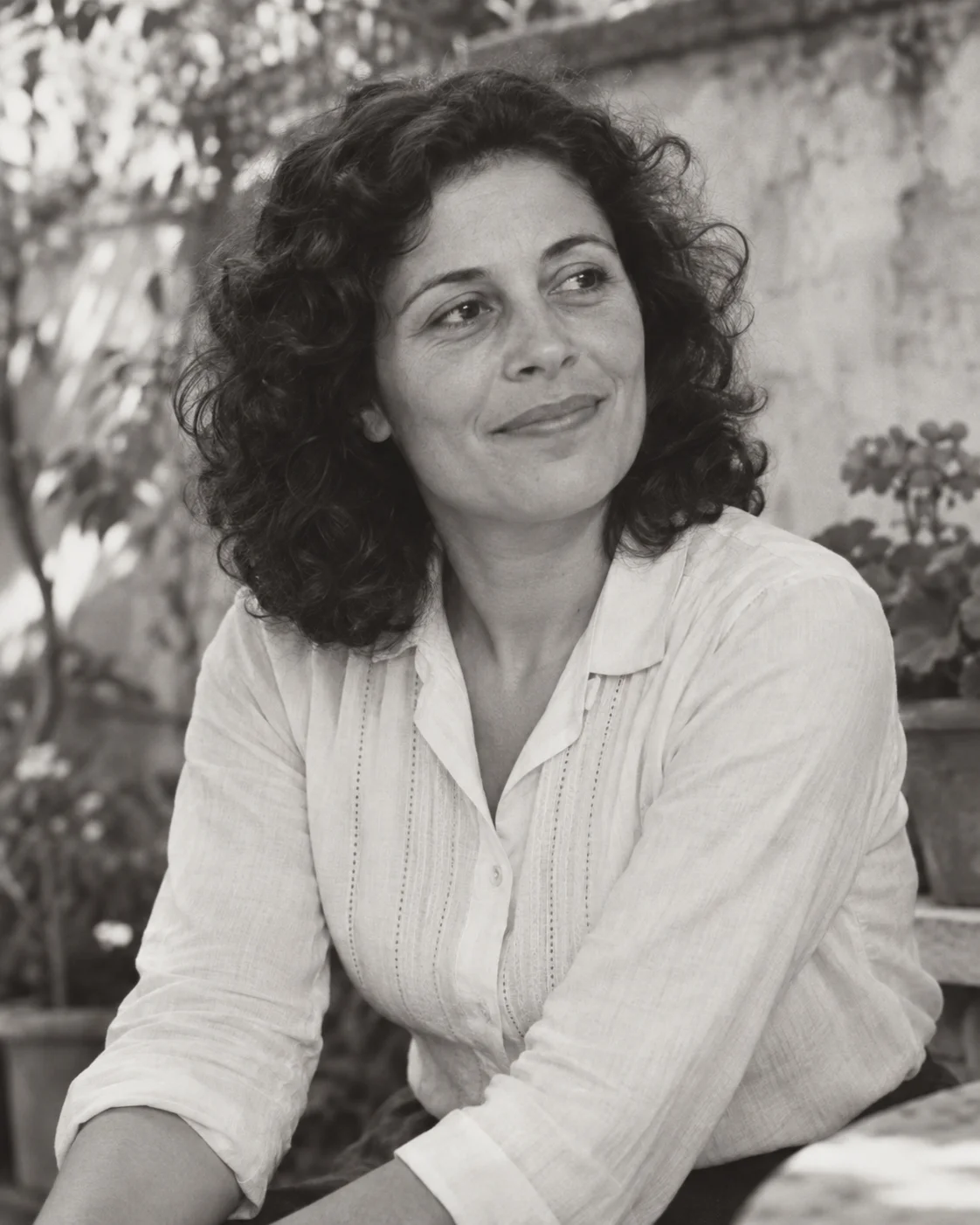

Product views use fictional people and photographs. Screens shown in English; Arvora also supports Portuguese and Spanish.
03 / Across places and generations
From the place someone called home to the city where a new chapter began. Explore your family’s places on a 3D globe, and meet the people connected to each one.

Illustrative screenshot in English. Arvora also supports Portuguese and Spanish.
04 / Yours to share, carefully
Give the scattered pieces a home your family can return to. Invite the people you choose, add memories together, and keep personal stories inside your private archive.
A family archive can hold deeply personal things. Access starts with a sign-in, and family profiles and photographs stay behind it.
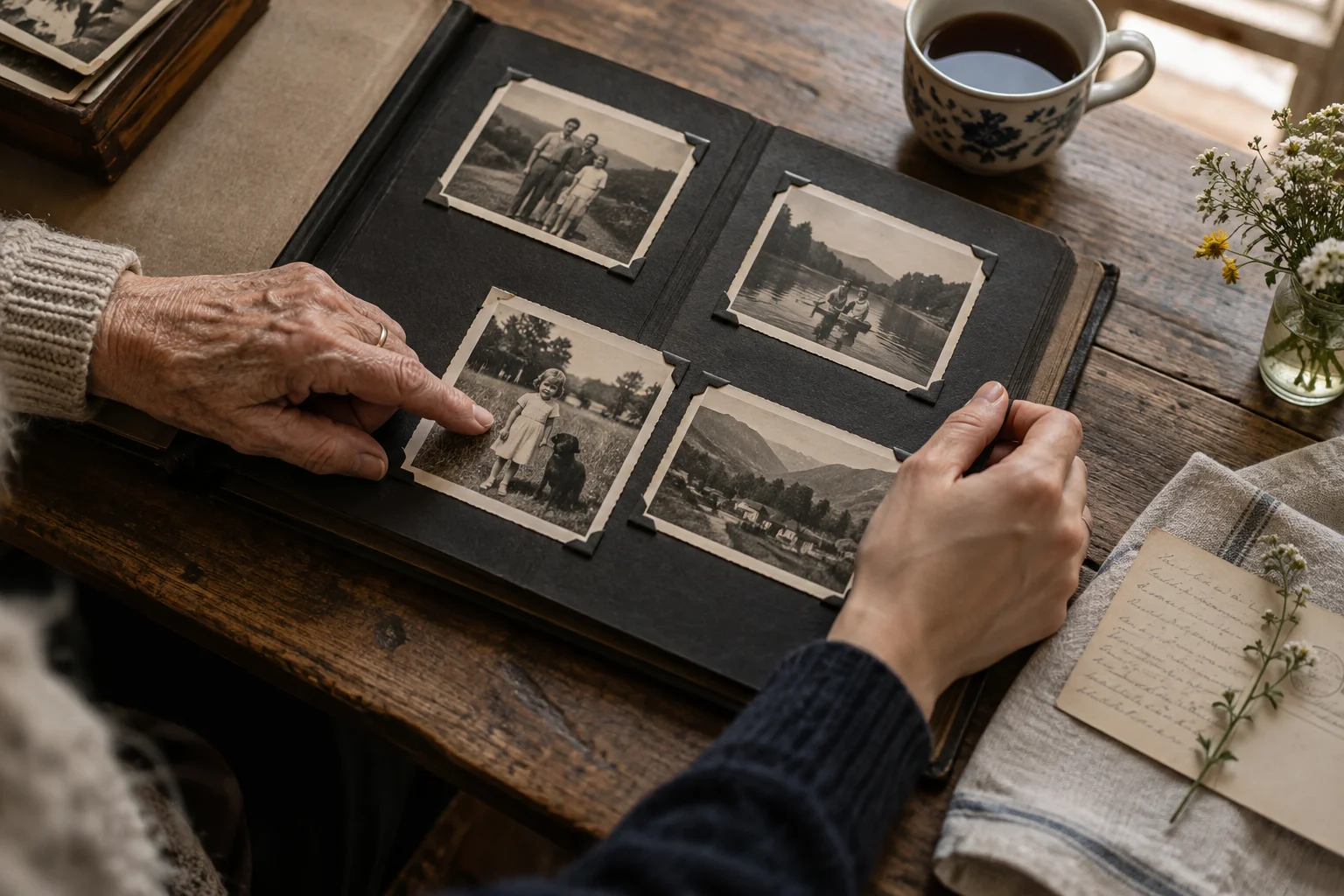
05 / Make room for your history
Give your family a home for its history, without becoming its IT department. Our managed hosting offer brings your private archive, its own web address and ongoing care together.
Managed hosting · Early access
We set up and look after a dedicated Arvora installation for your family. You can focus on gathering photographs, recording memories and inviting the people who matter.
An address that feels like family
silva-costaExample subdomain. Choose a surname or archive name, subject to availability.
Tell us about your family and we’ll discuss availability, migration needs, support and costs before any commitment.
Public release in preparation
The same Arvora experience, on infrastructure you control. We’re preparing a source release and installation guide for families with someone to manage their own hosting.
The public repository and final license are not yet published.
Share what you have, who will use the archive and what you would like to preserve.
We agree the scope and costs, set up your archive and help you get started.
Invite relatives and add memories while we care for the hosting, updates and backups.
Your research goes with you
Already started your family tree? Give it a home in Arvora, with the freedom to take a copy with you.
Preview your tree before importing into a new, empty archive. Export your genealogy whenever you need it.
Export your family tree together with its linked original photographs, in one package.
Compatibility has limits: unsupported information is reported. GEDCOM 5.5.1 is preview-only; complete account and permission recovery requires a separate private backup.
Explore 28 fictional people, their connections, photographs and stories. No account needed. The demo is read-only; the live globe is still being prepared.
Explore the demo06 / The next chapter
Tell us what you would love to preserve. We’ll help you explore the right setup, a family address and a clear hosting and support proposal. Early-access enquiries are welcome, with no commitment.
Request early access hello@edgewiselab.co.ukOpens a draft in your email app. Nothing is sent until you send it.
Our early-access offer covers a dedicated private Arvora installation, setup, a family subdomain, security updates, encrypted backups, recovery help and personal support. We agree availability, capacity, migration work, support scope and costs with you before you commit.
Yes. The managed offer includes a subdomain such as silva-costa.getarvora.com, using an available surname or archive name you choose. The example is illustrative, not a live customer archive. Knowing the address does not grant access: family profiles and photographs still require sign-in and permission.
No. Family profiles and photographs require an account and the appropriate permissions. The marketing examples and future demo use fictional content.
Arvora previews GEDCOM 7 and 5.5.1 files. Reviewed import supports GEDCOM 7 and GEDZIP 7 into a new, empty archive. Merging into an existing archive and compatibility with every genealogy tool are not yet supported.
Yes. You can invite readers, contributors and administrators. Contributors can submit changes for review, with direct editing where their permissions allow.
The interface is available in English, Portuguese and Spanish. Family notes keep their original text; automatic translation is not currently included.
We’re preparing early access for more families. Managed hosting prices and self-hosting release dates are not yet announced. Contact us to discuss your archive; an enquiry creates no commitment.
Administrators can export the accepted genealogy as GEDCOM 7 and linked original photographs in GEDZIP. Export reports explain limitations. A private database backup is needed to restore accounts, permissions and other application-specific information.